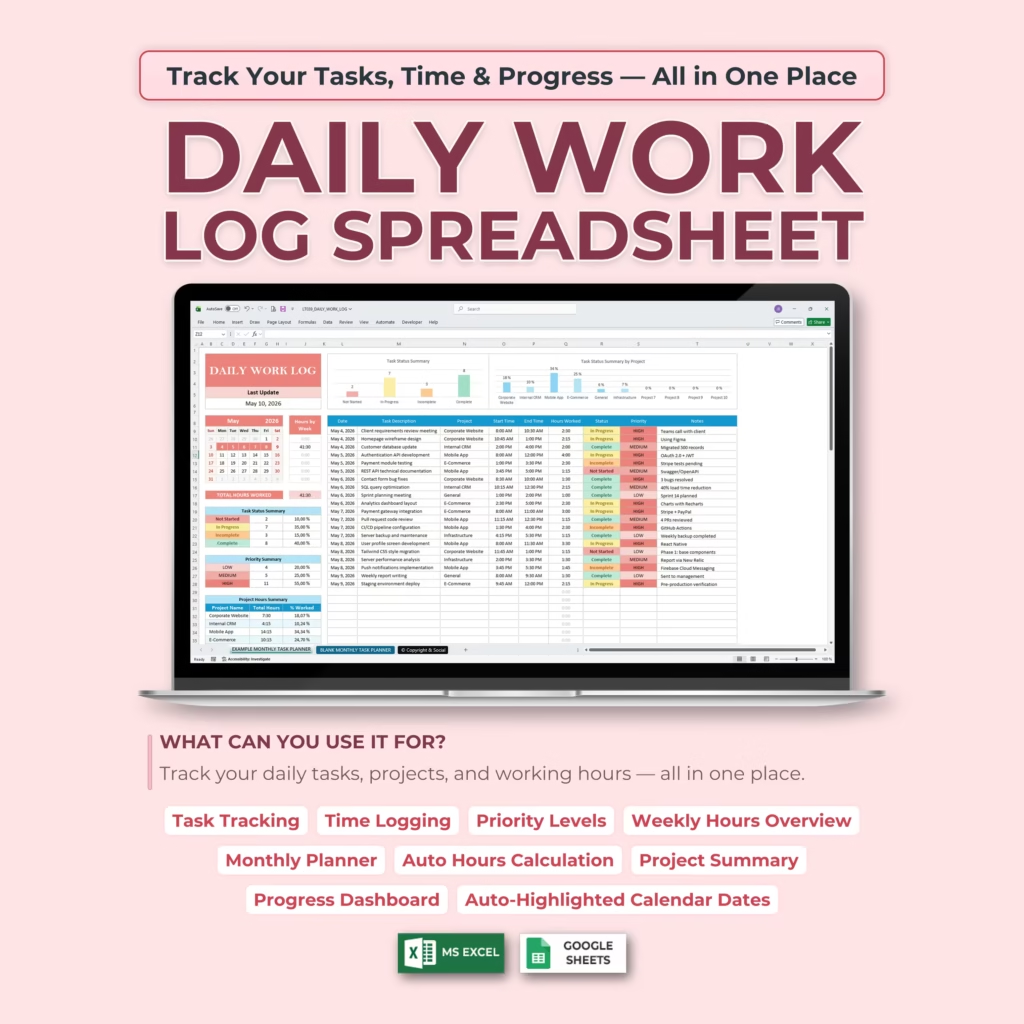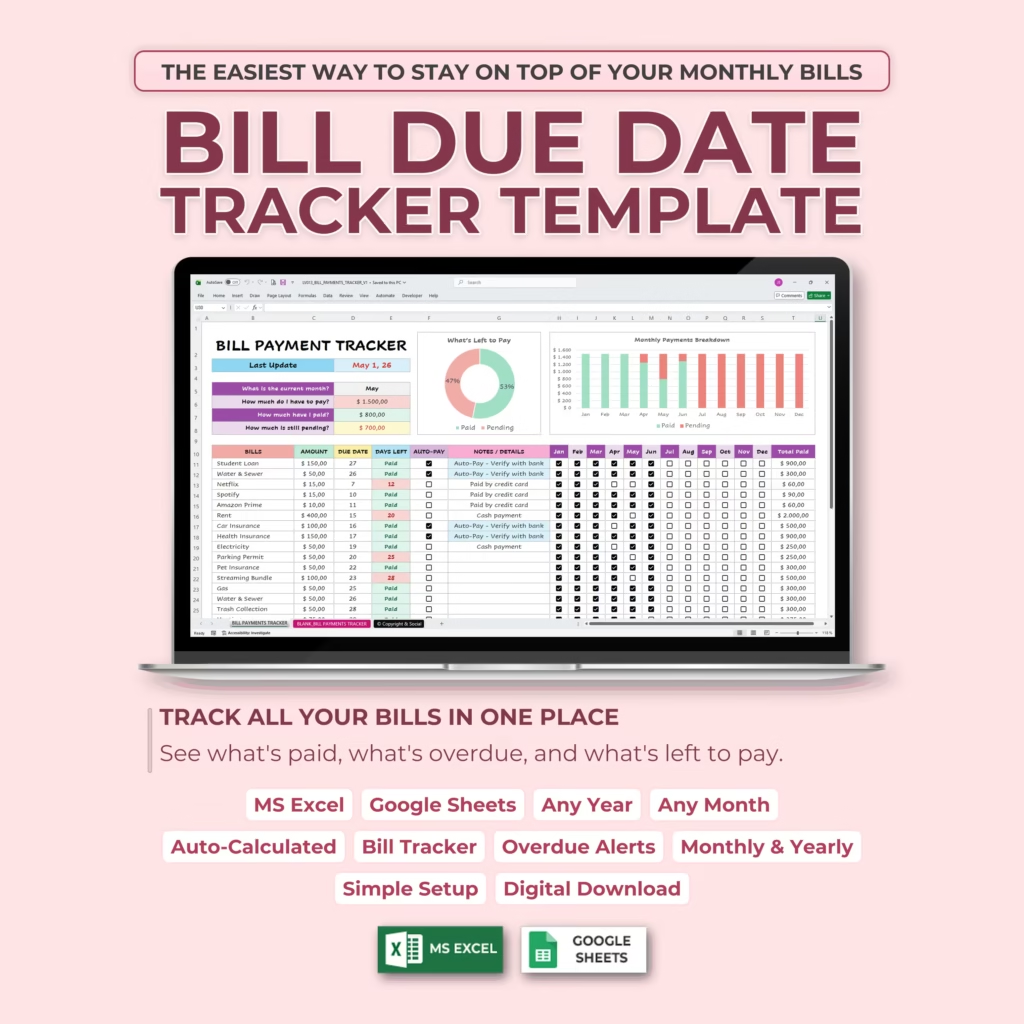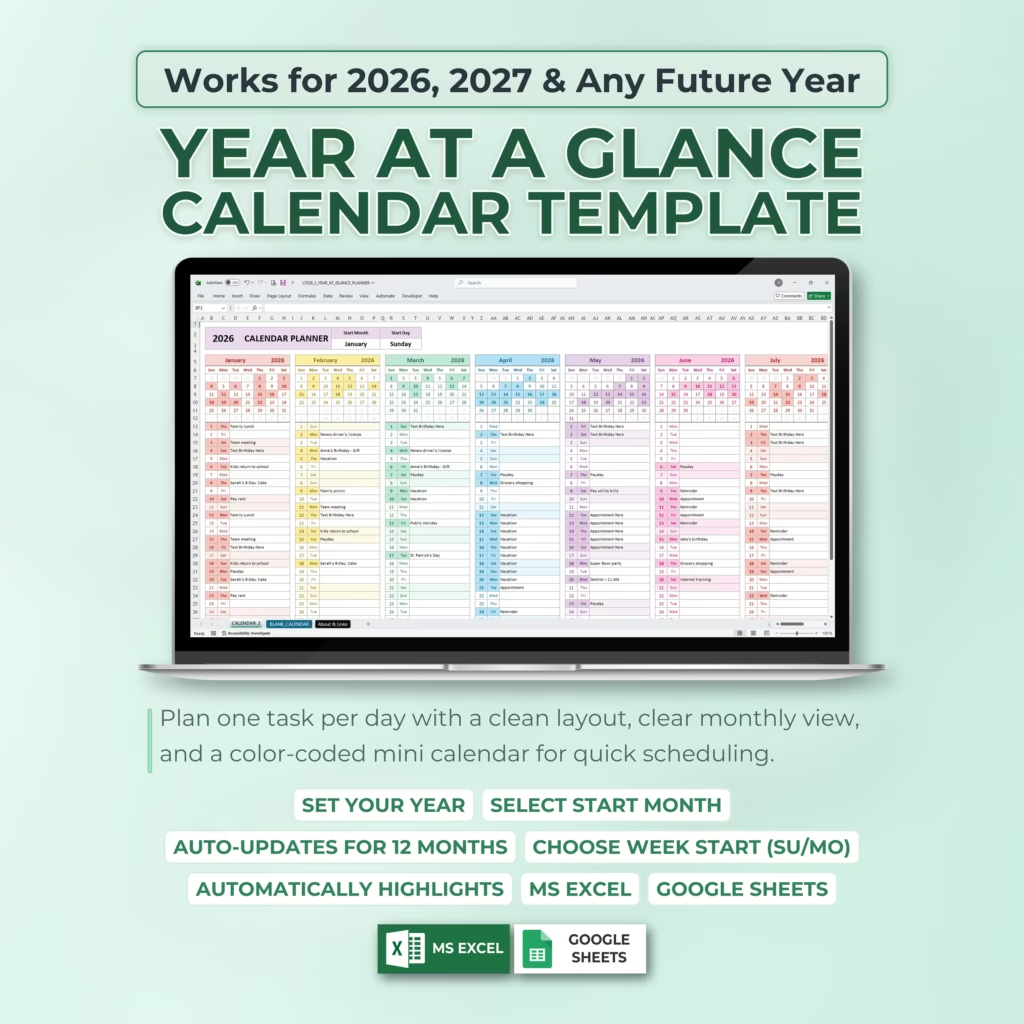
If you want to organize your month for better productivity, the easiest way to improve follow-through is to stop planning only at the daily level. A monthly view helps you see deadlines, appointments, recurring responsibilities, and bigger goals before they all compete for your attention at the last minute. For many buyers in the U.S., that makes a monthly planner template or monthly calendar spreadsheet more useful than a blank page.
A ready-made Excel or Google Sheets monthly planner also saves setup time. Instead of building a layout from scratch, you can start with a structure that is already designed for planning deadlines, personal appointments, work tasks, family schedules, and monthly goals in one place. For buyers who are already comparing monthly planner spreadsheets, that is often the fastest path from search to a template they can actually use today.
Monthly planner templates you can use right away
- All-in-One Monthly Planner Spreadsheet
- Monthly Task Planner & To-Do Calendar Spreadsheet
- Monthly To Do Calendar Template for Excel & Google Sheets
- Monthly Task & To-Do Planner Template for Excel & Google Sheets
- Monthly Task Checklist Template with Mini Calendar for Excel & Google Sheets
Why monthly planning works better than reacting day by day
When you organize your month, you stop making every decision on the same morning you need to act on it. A monthly view helps you spot busy weeks, protect time for important projects, and avoid stacking too many commitments into the same few days. That is one reason people often search for terms like monthly planner template Excel, monthly calendar Google Sheets, or monthly planning spreadsheet when they need a practical system they can start using now.
Start with key dates and fixed commitments
The first step in organizing your month is to place the things that are already fixed: appointments, travel, events, payment due dates, recurring tasks, school deadlines, and important reminders. Once those are visible, it becomes much easier to plan the rest of the month around real constraints instead of guesswork.
Break monthly goals into weekly actions
Monthly planning is most useful when it turns bigger goals into smaller actions. If you want to finish a project, improve routines, stay on top of content, or manage family responsibilities, the monthly view helps you decide what belongs this week instead of carrying a vague goal through the whole month.
This is where a monthly planner spreadsheet becomes more valuable than a generic note. You can keep dates, tasks, and priorities in one visible place and update them as the month evolves.
Choose a monthly planning format you will actually use
Some people want a simple calendar grid. Others want more space for notes, priorities, or recurring task planning. The best monthly planning template is not the one with the most features. It is the one you will actually keep visible and use consistently in Excel or Google Sheets.
Why a ready-made monthly planner template can save time
If you are comparing planning tools, a ready-made spreadsheet is often the fastest option. You do not need to format dates, build a calendar layout, or test different structures yourself. You can download the file, customize it, and start planning the same day. That is especially useful for buyers who want an Excel monthly planner or Google Sheets monthly calendar template that feels practical instead of overly complicated.
Keep the month visible and review it regularly
A monthly plan works best when you review it during the month, not only at the beginning. A short weekly or mid-month review helps you see what is completed, what is still pending, and what should move into the next week. That keeps your spreadsheet useful instead of static.
Final thoughts
If you want to organize your month more clearly, start with a visible monthly view, place fixed commitments first, and then connect bigger goals to weekly action. And if you want a faster setup, Templates Prime offers planner templates for Excel and Google Sheets that help turn monthly planning into a repeatable system instead of another blank file.