
Monthly To Do Calendar Template for Excel and Google Sheets
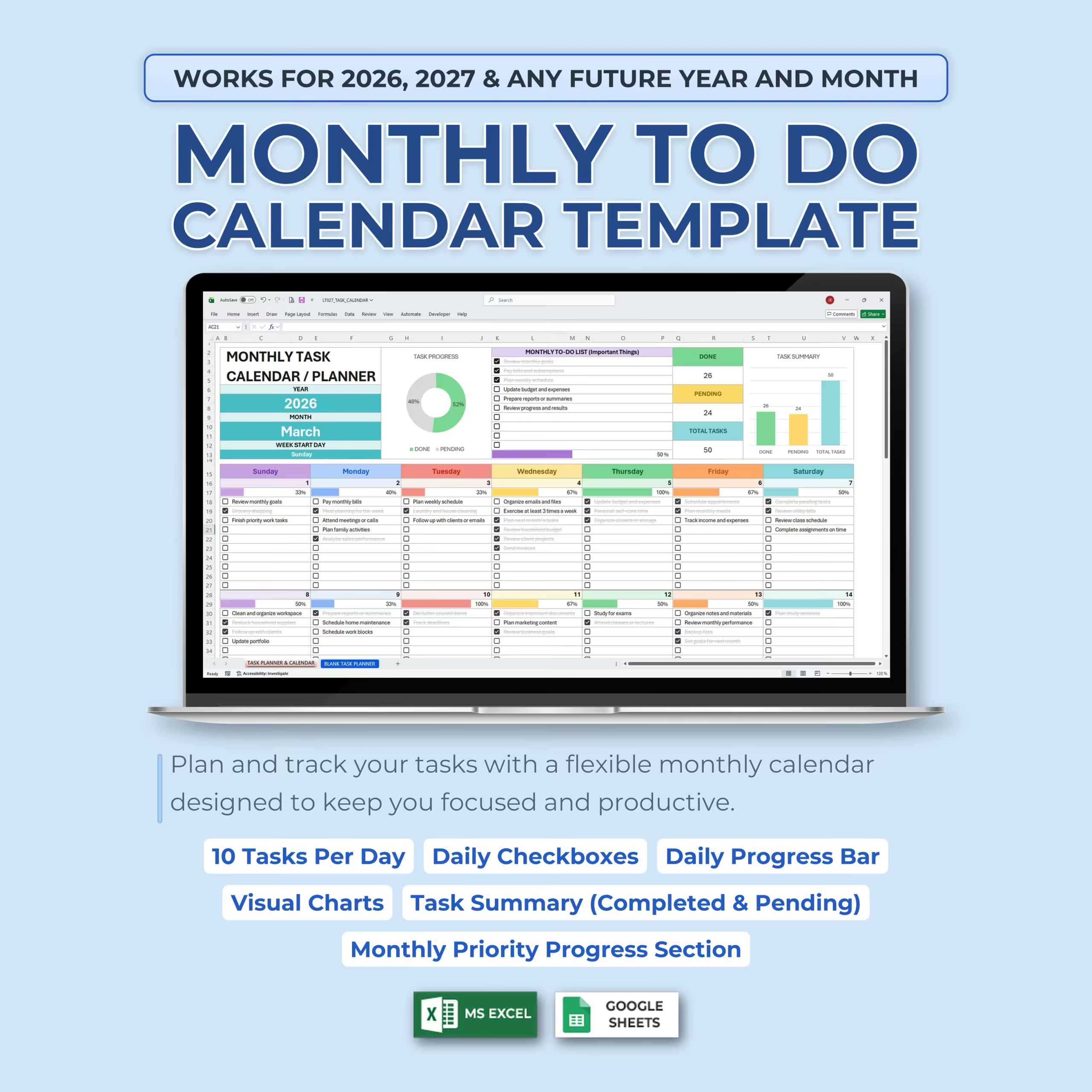
Stay organized, focused, and productive with this Monthly To Do Calendar Template for Microsoft Excel and Google Sheets. This editable spreadsheet template helps you plan your month, organize daily tasks, track completed and pending items, and review progress with automatic charts and progress bars.
If you are looking for a practical monthly planner template, monthly calendar template with tasks, or to do list spreadsheet you can reuse every month, this file gives you a simple system that is ready to use and easy to customize.
Whether you are managing work projects, school assignments, home tasks, personal goals, appointments, or monthly priorities, this digital planner gives you a clear way to keep everything in one place.
Flexible Monthly Task Calendar
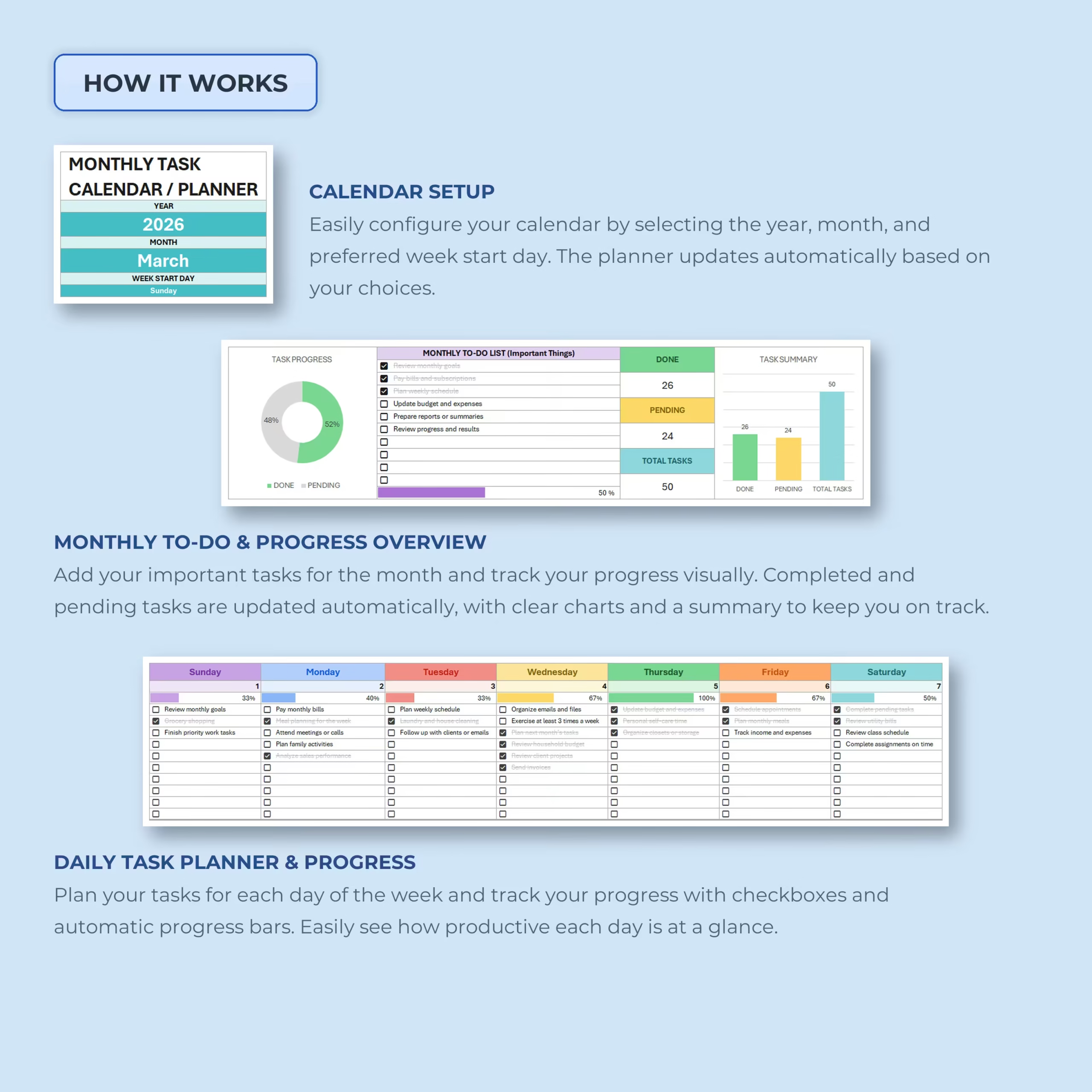
This monthly task planner is designed to work for any year and any month, including 2026, 2027, and future years. Simply select the year, month, and preferred week start day, and the calendar automatically updates based on your choices.
You can use it as a monthly to-do list, productivity planner, work task calendar, student planner, household task tracker, or personal organization spreadsheet.
Plan Up to 10 Tasks Per Day
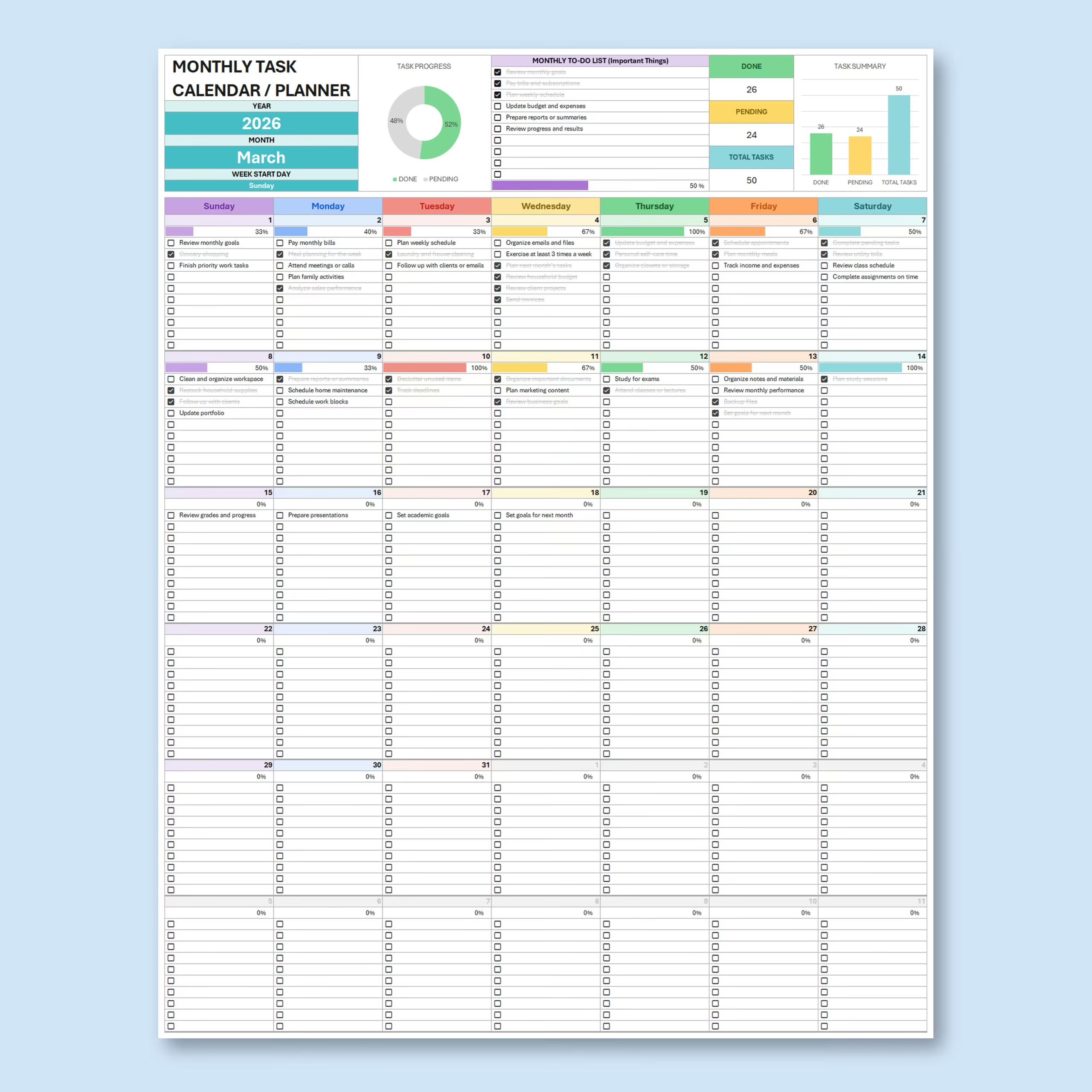
Each day includes space to plan up to 10 daily tasks. Add your tasks directly into the calendar and check them off as you complete them throughout the day.
This makes it easy to organize daily priorities, recurring responsibilities, appointments, errands, deadlines, and important reminders without needing separate notes or planning apps.
Daily Checkboxes and Progress Bars
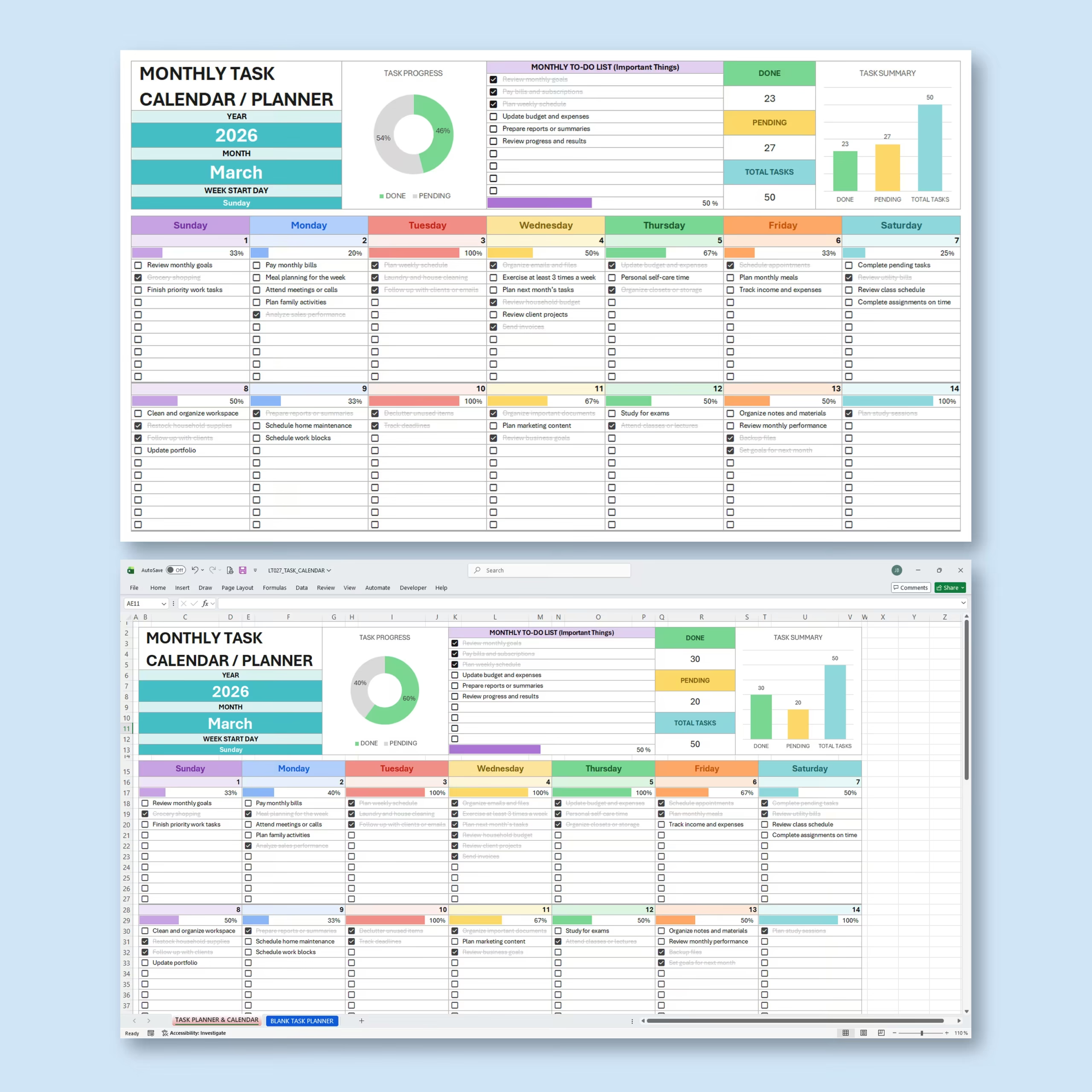
The template includes built-in checkboxes for each daily task. As you mark tasks complete, the spreadsheet automatically updates the progress for that day.
Daily progress bars help you quickly see how productive each day is at a glance. This visual tracking makes it easier to stay motivated and understand how much has been completed versus what is still pending.
Monthly To-Do List for Important Tasks
At the top of the planner, you can add your most important tasks for the month in the monthly to-do list section. This is ideal for priority tasks, monthly goals, deadlines, recurring responsibilities, or key projects you want to keep visible.
As you check off your monthly priority tasks, the spreadsheet automatically updates the completed and pending task summary.
Automatic Task Summary
The built-in task summary automatically calculates your total tasks, completed tasks, and pending tasks. This gives you a clear overview of your monthly progress without manually counting anything.
You can quickly see how much you have accomplished and what still needs attention before the month ends.
Visual Charts for Productivity Tracking
This monthly task organizer includes visual charts that help you understand your task progress more clearly. The dashboard shows task progress, completed vs. pending tasks, and overall task summary data in a simple visual format.
These charts make it easier to review your month, measure productivity, and stay accountable to your goals.
Easy Calendar Setup
The setup section makes the template simple to configure. You can select:
- Year
- Month
- Preferred week start day
Once your settings are selected, the monthly calendar updates automatically, making the template reusable month after month.
Blank Task Planner Included
A blank task planner is included so you can start fresh with your own tasks, priorities, and planning style. You can duplicate the blank version for each month, customize the task list, and reuse the planner as often as needed.
Works with Excel and Google Sheets
This task organizer template is compatible with both Microsoft Excel and Google Sheets. Use it offline in Excel or online in Google Sheets, depending on your preferred workflow.
Perfect For
- Monthly task planning
- Personal productivity tracking
- Work task organization
- School assignments and study planning
- Household chores and family tasks
- Goal tracking
- Weekly and monthly priorities
- Project task planning
- Daily to-do lists
- Appointment and deadline organization
What You Can Track
- Daily tasks
- Completed tasks
- Pending tasks
- Monthly priority tasks
- Daily progress
- Monthly productivity
- Task completion percentage
- Total tasks for the month
- Important reminders and goals
Why You’ll Love This Task Organizer
- Simple and beginner-friendly layout
- Works for any year and month
- Plan up to 10 tasks per day
- Includes daily checkboxes
- Automatic progress bars for each day
- Monthly priority task section included
- Completed and pending tasks update automatically
- Visual charts help you track productivity
- Blank planner included for customization
- Works with Excel and Google Sheets
Why This Template Is Useful Before You Buy Planning Software
Many people do not need a complex app to stay organized. This monthly planner spreadsheet template gives you a low-friction way to manage tasks, deadlines, and priorities with a familiar Excel or Google Sheets workflow. It is especially useful if you want a printable or digital planning system you fully control.
Organize your schedule, stay focused on your priorities, and manage your month with a clean and practical Monthly To Do Calendar Template designed to help you get more done.
Reviews
There are no reviews yet.