
Weekly To-Do List and Task Planner Template for Excel and Google Sheets
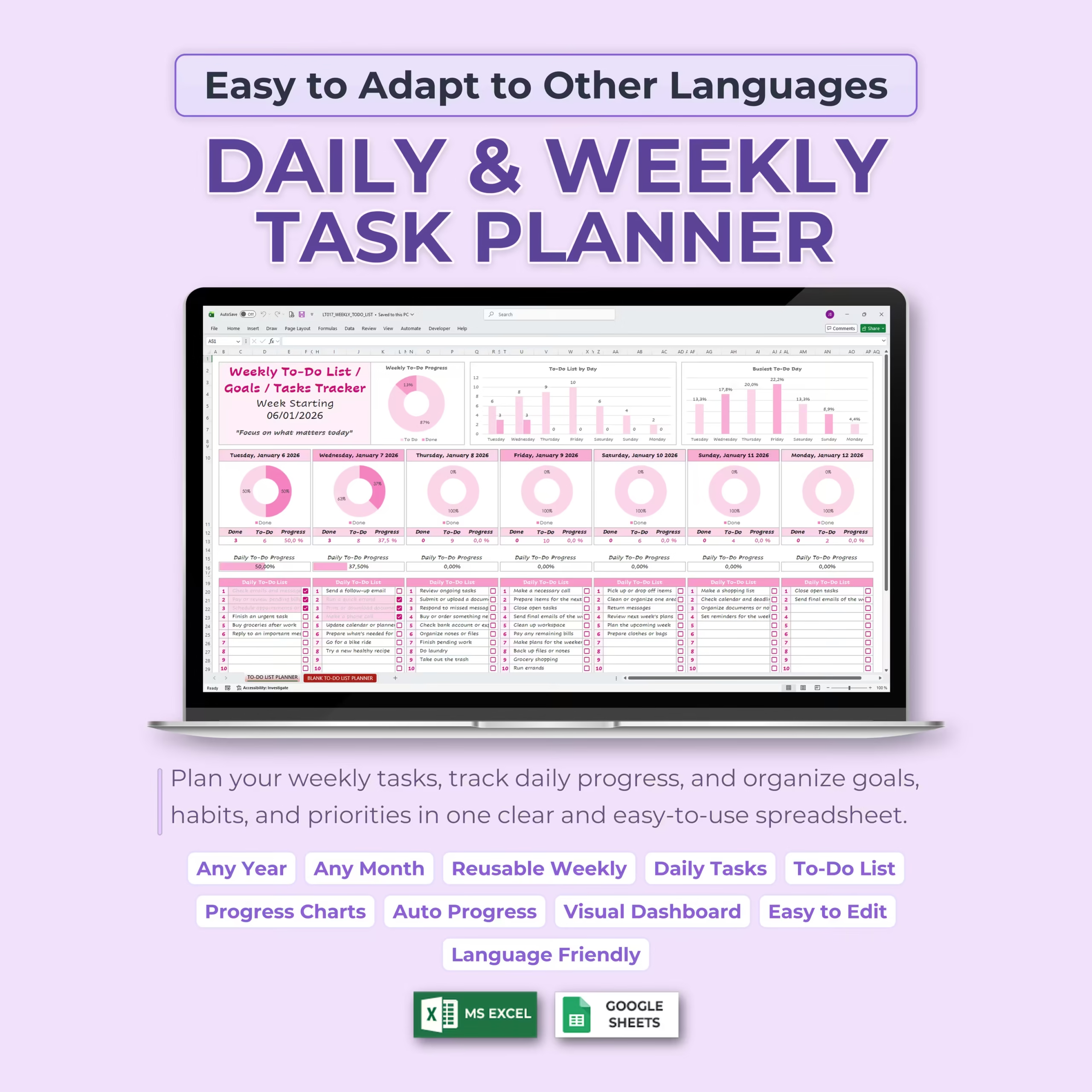
Organize your week with more clarity using this Weekly To-Do List & Task Planner Template for Microsoft Excel and Google Sheets. This easy-to-use spreadsheet helps you plan daily tasks, track weekly goals, monitor completed and pending items, and visualize your progress with automatic charts and progress summaries.
Whether you are managing work priorities, personal errands, school assignments, household tasks, habits, appointments, or weekly goals, this digital planner gives you a clean and practical system to stay focused throughout the week.
Plan Your Week in One Clear Spreadsheet
This weekly task planner keeps your full week organized in one place. Each day has its own to-do list, checkbox section, progress summary, and visual progress chart, making it easy to see what needs to be done and what has already been completed.
Instead of using scattered notes, paper lists, reminders, and multiple apps, you can manage your weekly tasks in one simple spreadsheet that updates automatically as you work through your list.
Set the Week Start Date
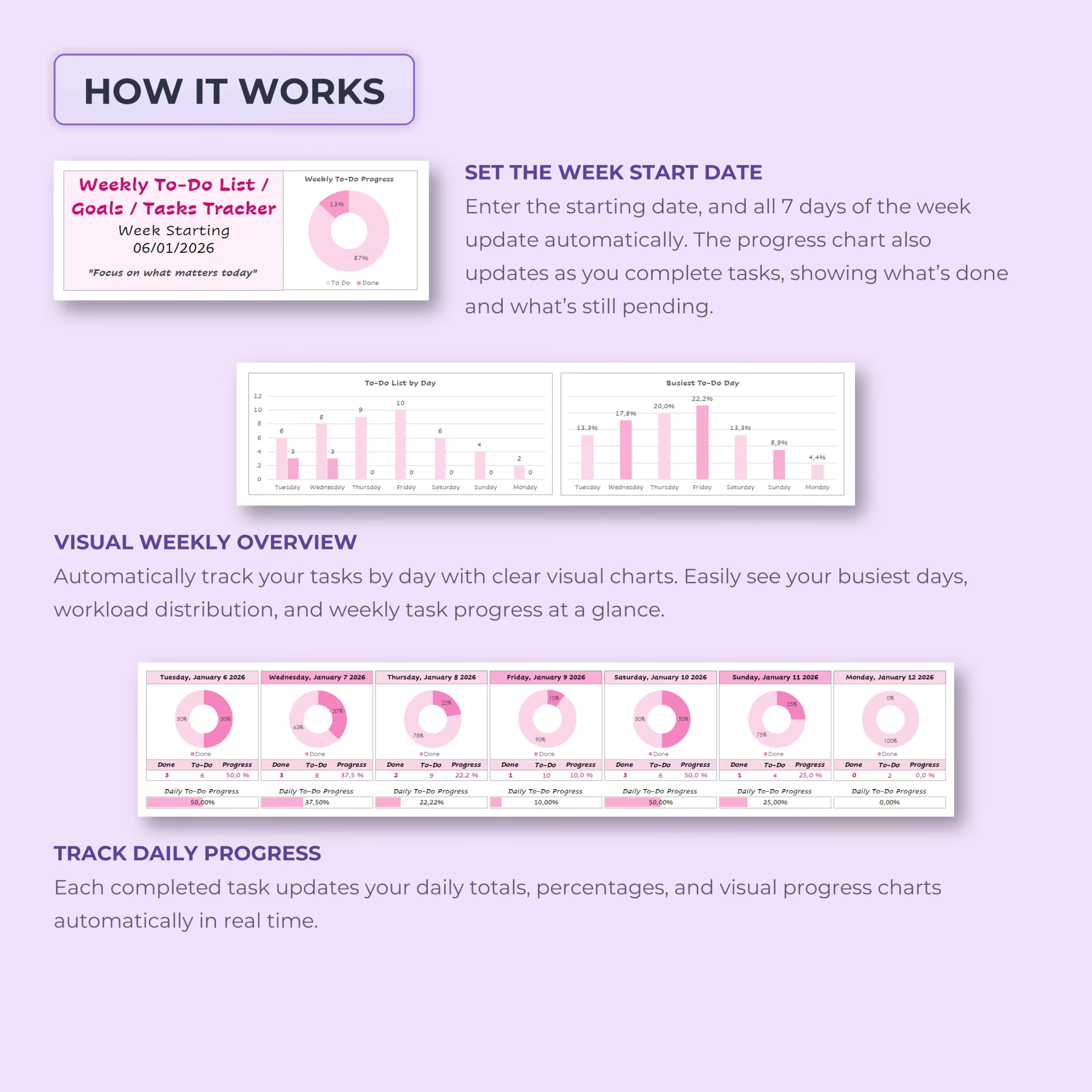
Start by entering the week start date. The template automatically updates all 7 days of the week based on your selected start date, making the planner reusable for any week, month, or year.
This makes it easy to create a fresh weekly planner whenever you need it without rebuilding the layout from scratch.
Daily To-Do Lists with Checkboxes
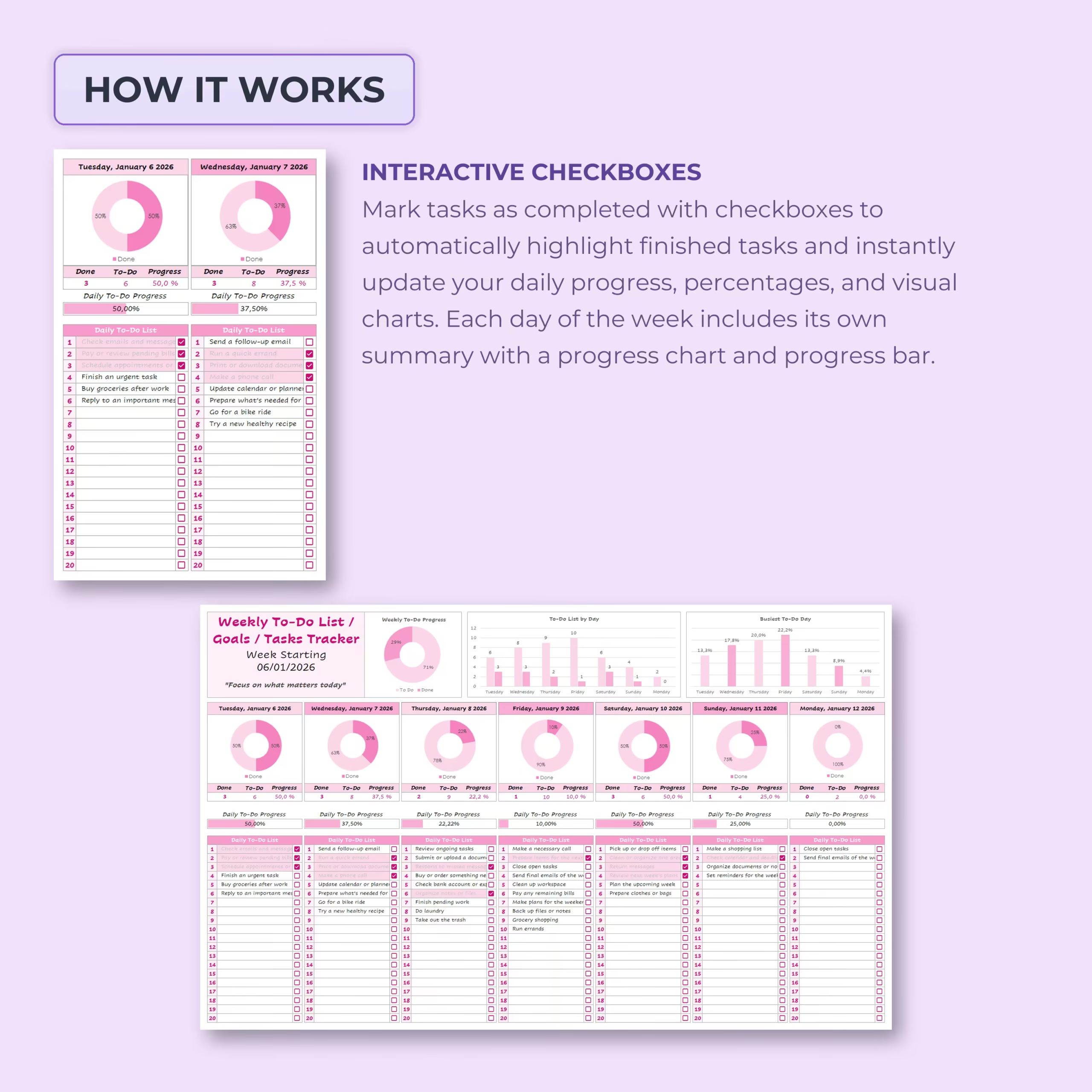
Each day includes a dedicated daily to-do list where you can add tasks, goals, priorities, habits, reminders, or appointments. Use the checkboxes to mark tasks as complete throughout the day.
As tasks are checked off, the spreadsheet automatically updates the daily progress, completed task count, pending task count, percentages, progress bars, and visual charts.
Automatic Daily Progress Tracking
Every day of the week includes its own mini progress section. You can quickly see how many tasks are done, how many are still pending, and what percentage of the day’s task list has been completed.
Daily progress charts and progress bars make it easy to review your productivity at a glance and stay motivated as you complete tasks.
Weekly Progress Dashboard
The weekly dashboard gives you a complete overview of your task progress for the entire week. It automatically summarizes completed and pending tasks and displays visual charts to help you understand your workload.
The dashboard includes:
- Weekly to-do progress: See overall completed vs. pending tasks.
- To-do list by day: Compare task volume across each day of the week.
- Busiest to-do day: Identify which day has the highest task load.
- Daily progress summaries: Review each day’s completed tasks, pending tasks, and progress percentage.
Visual Weekly Overview
The built-in charts help you understand your week visually. You can see which days are busiest, how your workload is distributed, and how much progress you have made across the full week.
This is especially useful for planning ahead, balancing your workload, avoiding overpacked days, and staying realistic with your weekly goals.
Interactive Checkboxes
The template includes interactive checkboxes that make task tracking simple. Mark a task as complete, and the planner automatically updates your progress summaries, daily percentages, and weekly charts.
This helps you stay focused on action instead of manually calculating your progress.
Blank Weekly Planner Included
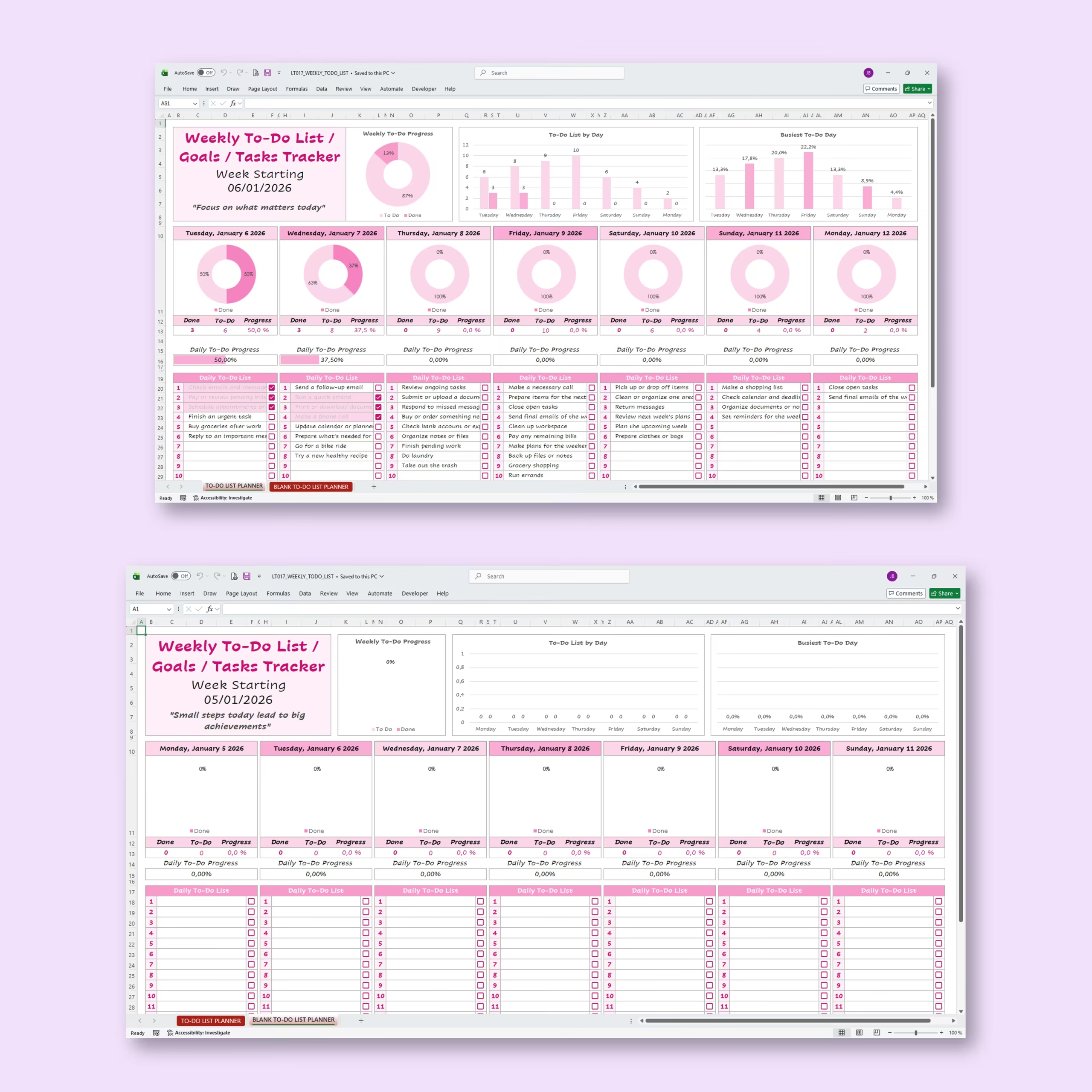
A blank to-do list planner is included so you can start fresh with your own tasks, goals, and weekly priorities. You can duplicate the blank planner for each new week and reuse it as often as needed.
Easy to Edit and Language Friendly
The template is easy to customize. You can edit the task text, weekly quote, labels, headings, and planner content to match your own planning style. It is also easy to adapt to other languages, making it flexible for different users and workflows.
Works with Excel and Google Sheets
This weekly to-do list template works with both Microsoft Excel and Google Sheets. Use it offline in Excel or online in Google Sheets depending on your preferred planning system.
Perfect For
- Weekly to-do lists
- Daily task planning
- Personal productivity tracking
- Work task organization
- School assignments and study planning
- Household chores and errands
- Habit tracking
- Weekly goals and priorities
- Project task planning
- Simple time and workload organization
What You Can Track
- Daily tasks
- Weekly goals
- Completed tasks
- Pending tasks
- Daily progress percentages
- Weekly completion progress
- Task load by day
- Busiest task day
- Habits, reminders, and priorities
Why You’ll Love This Weekly To-Do List Template
- Simple and beginner-friendly layout
- Reusable for any week, month, or year
- Daily task lists for all 7 days
- Interactive checkboxes for completed tasks
- Automatic daily and weekly progress tracking
- Visual charts and progress bars included
- Helps identify busy days and workload distribution
- Blank planner included for customization
- Easy to edit and language friendly
- Works with Excel and Google Sheets
Plan your week with more focus, track your progress visually, and stay organized with a practical Weekly To-Do List & Task Planner Template designed for simple daily and weekly productivity.
Reviews
There are no reviews yet.