
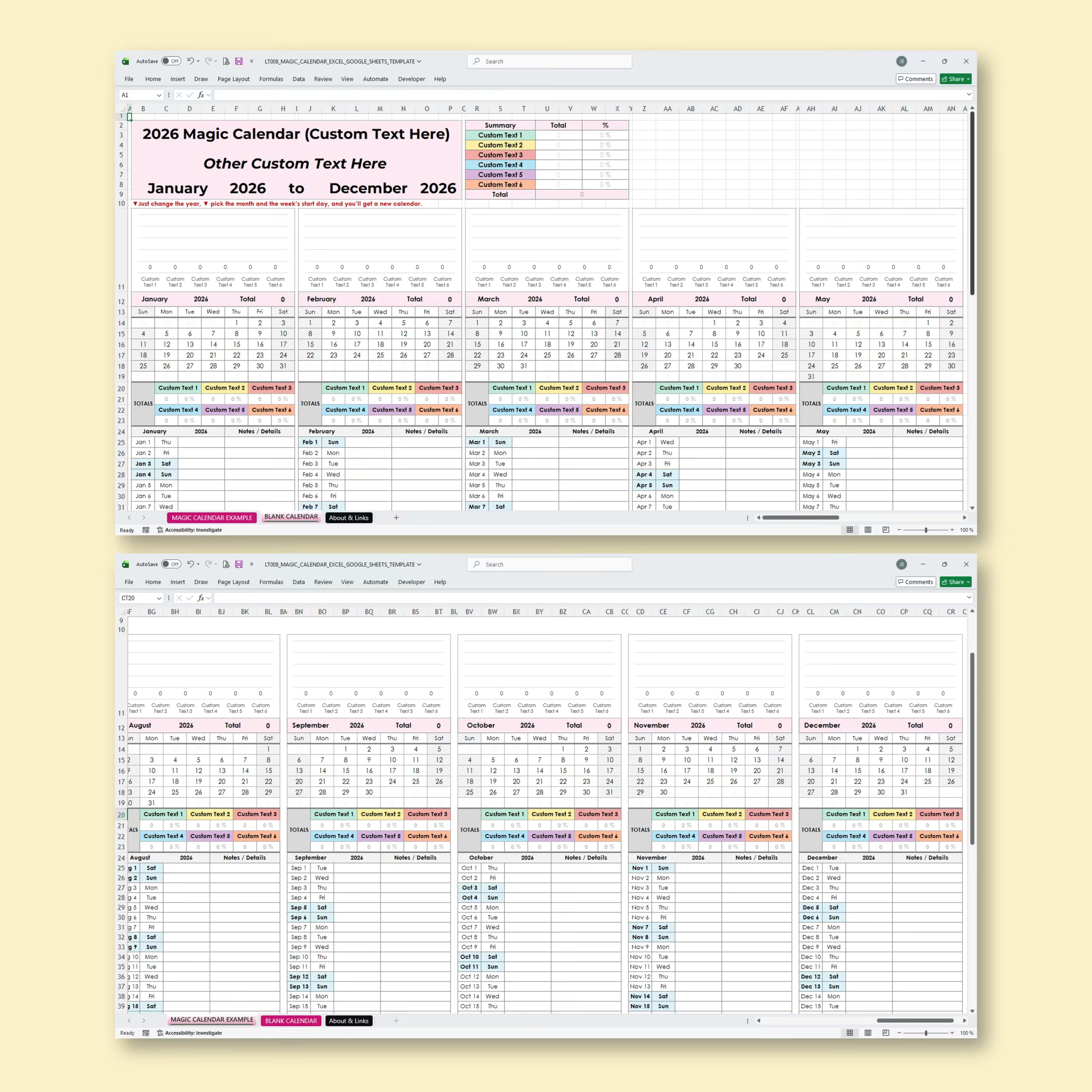
Magic Calendar Template for Excel and Google Sheets
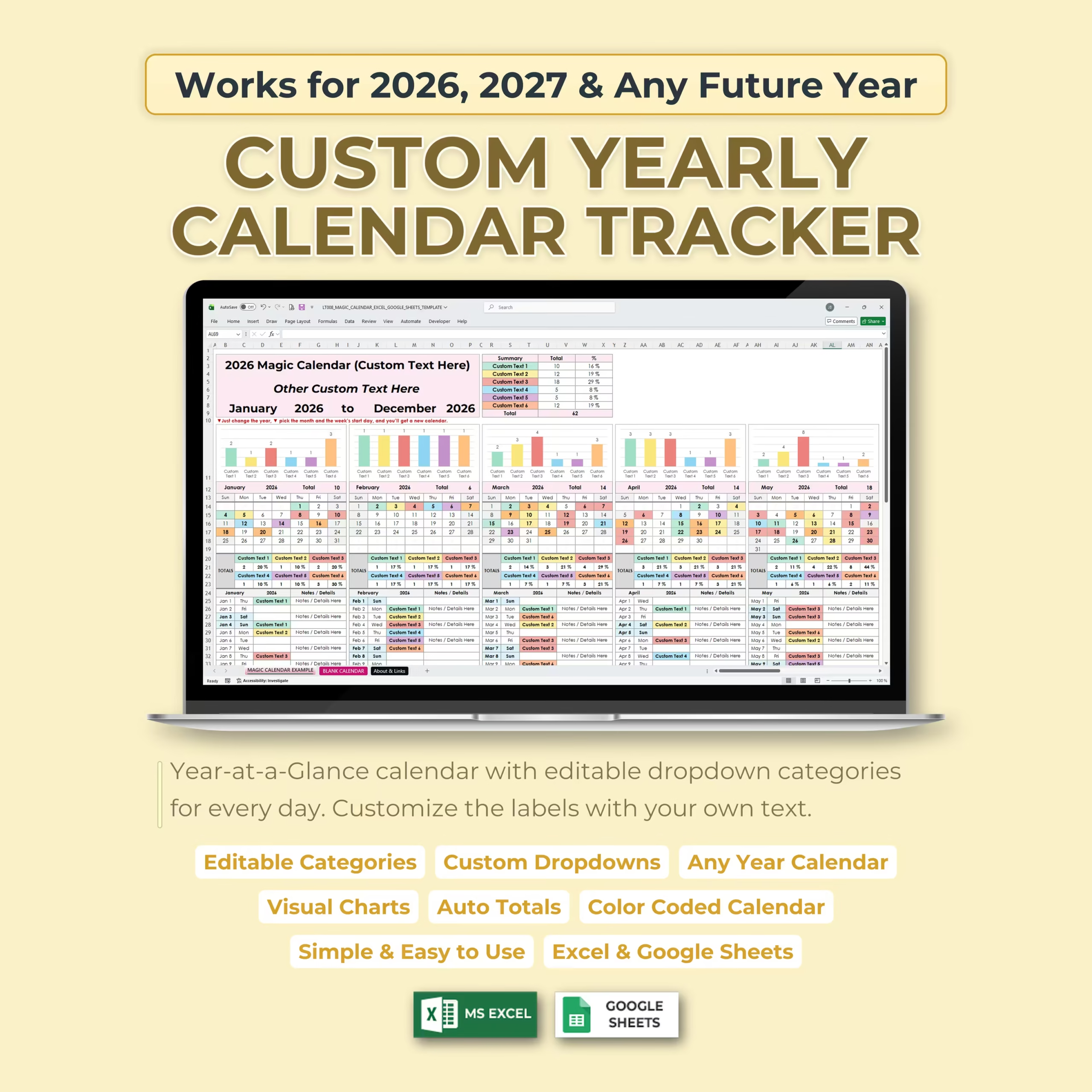
Organize your entire year in one flexible spreadsheet with this Magic Calendar Template for Excel and Google Sheets. Designed as a custom yearly calendar tracker, this template helps you plan, categorize, and review your tasks, events, habits, projects, routines, and schedules using editable dropdown categories for every day of the year.
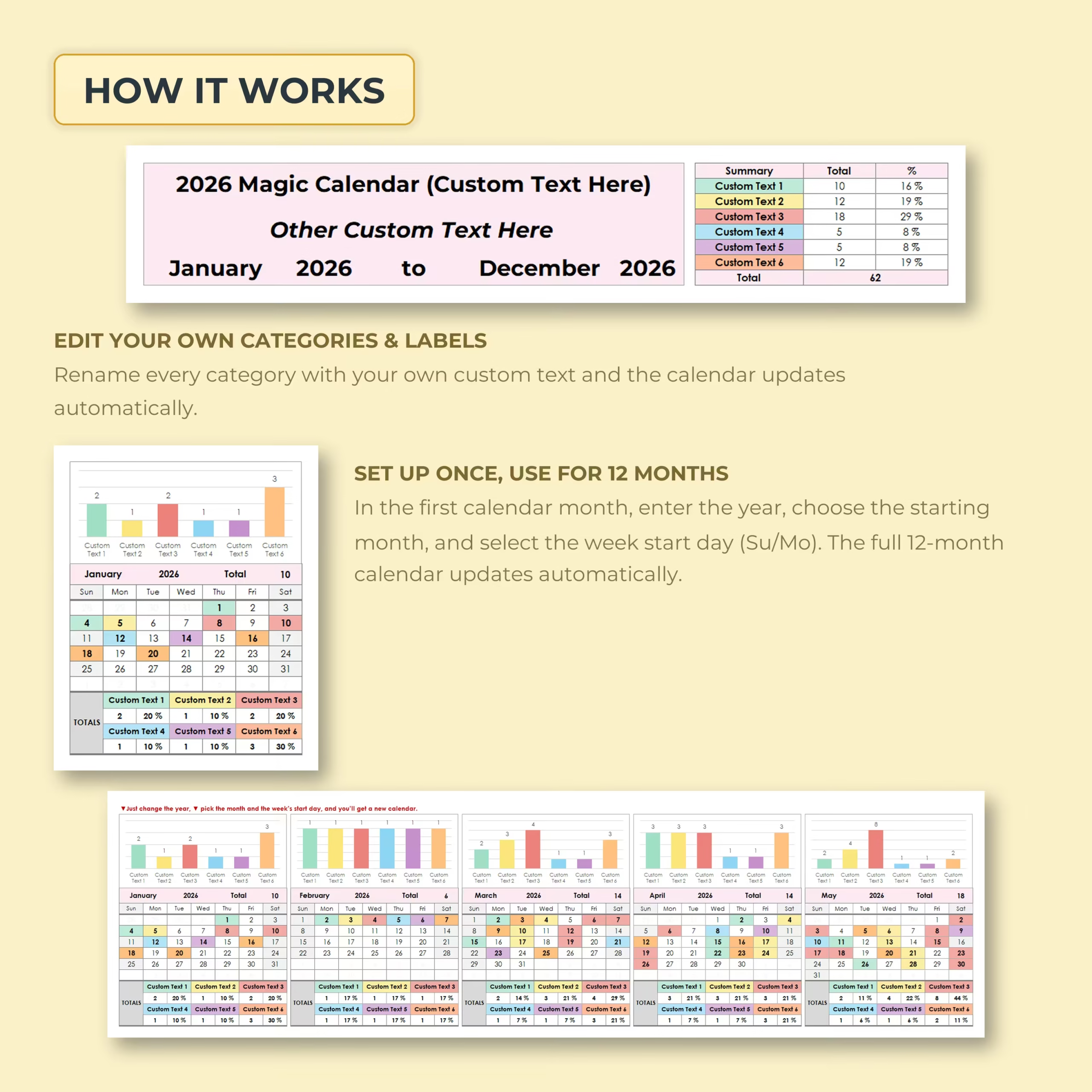
Simply set your year, choose your starting month, select your preferred week start day, customize your labels, and the full 12-month calendar updates automatically.
Custom Yearly Calendar Tracker
This calendar template is designed to work for 2026, 2027, and any future year. You can reuse it year after year by updating the calendar settings instead of creating a new planner from scratch.
Choose the year, select the first month of your calendar, and decide whether your week starts on Sunday or Monday. The full yearly calendar updates automatically, giving you a clean and organized view of all 12 months.
Editable Daily Dropdown Categories
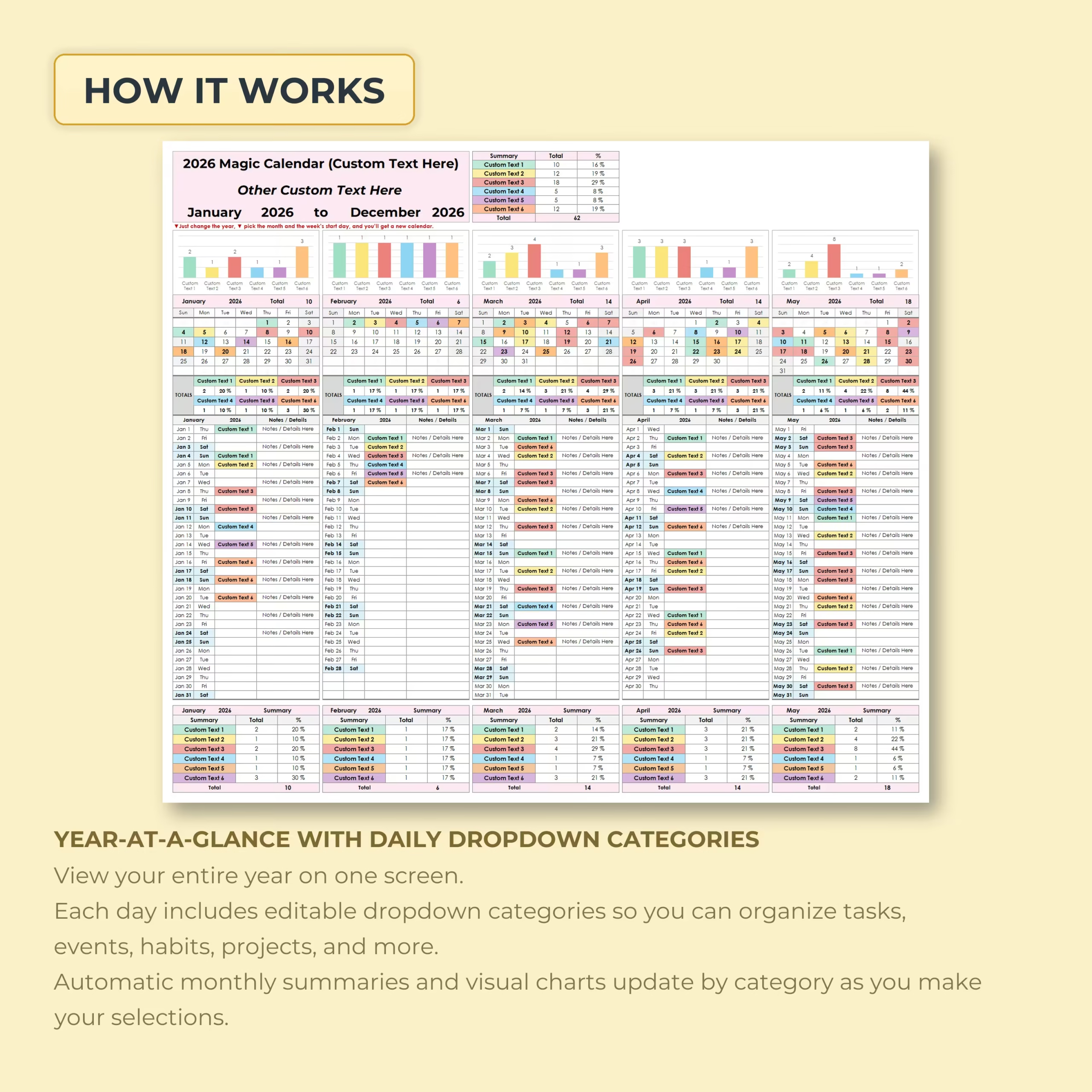
Each calendar day includes a dropdown menu so you can quickly assign custom categories to your schedule. Use the dropdowns to organize tasks, appointments, habits, content, projects, deadlines, workouts, family events, school activities, work shifts, or any other recurring item you want to track.
The dropdown labels are editable, allowing you to personalize the template with your own category names and planning system.
Automatic Monthly Summaries and Visual Charts
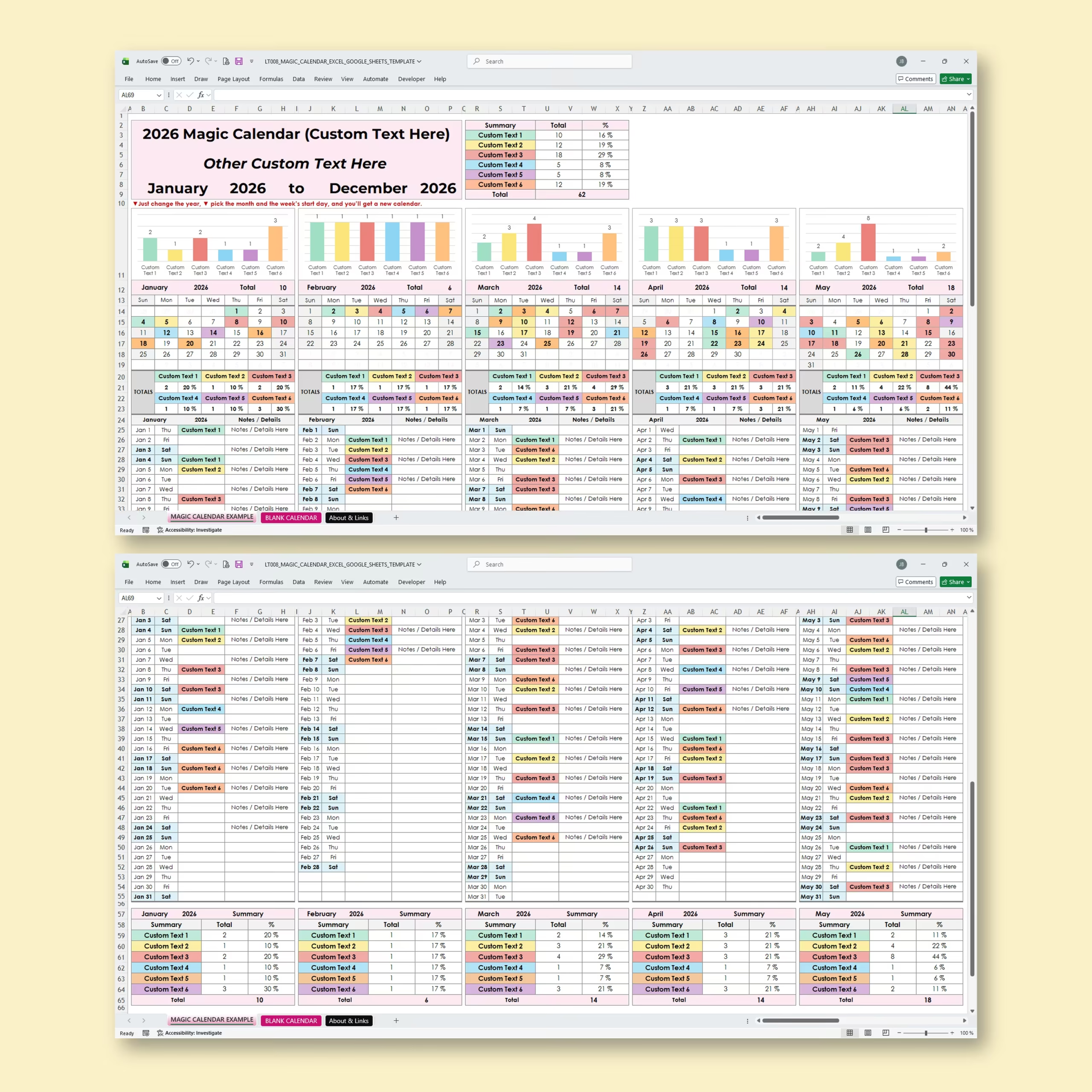
The Magic Calendar Template includes automatic monthly summaries that calculate totals and percentages based on your selected dropdown categories. Built-in charts help you visualize how often each category appears throughout the month.
This makes it easy to review your activity, identify patterns, compare months, and understand how your time or tasks are distributed across the year.
Year-at-a-Glance Calendar View
The year-at-a-glance layout lets you view your full calendar on one screen. Each month includes color-coded entries, daily dropdown selections, category summaries, and visual charts, giving you a complete overview of your yearly plan.
Whether you use it for personal organization, business planning, content scheduling, habit tracking, or project management, this calendar helps you keep everything clear and easy to follow.
Edit Your Own Categories and Labels
The template includes a dedicated section where you can rename your categories and labels. Once updated, your custom options are reflected throughout the calendar, making it simple to adapt the spreadsheet to your own workflow.
What’s Included
- Magic yearly calendar template
- Custom year selection
- Any future year calendar setup
- Custom starting month option
- Sunday or Monday week start option
- Editable daily dropdown categories
- Custom labels and category names
- Year-at-a-glance calendar view
- Automatic monthly summaries
- Category totals and percentages
- Visual charts by category
- Color-coded calendar system
- Compatible with Microsoft Excel and Google Sheets
Perfect For
- Yearly planning
- Task tracking
- Habit tracking
- Project planning
- Content calendars
- Work schedules
- Event planning
- School calendars
- Family organization
- Personal productivity
- Business planning
Why Use This Magic Calendar Spreadsheet?
This template is more than a basic calendar. It combines yearly planning, daily dropdown tracking, automatic calculations, visual charts, and customizable categories in one easy-to-use spreadsheet.
Instead of manually counting tasks, events, or habits, the template automatically summarizes your selections and gives you a clearer view of your month and year. It is ideal for anyone who wants a reusable, customizable, and visual planning system.
Excel and Google Sheets Compatible
This Magic Calendar Template is compatible with both Microsoft Excel and Google Sheets, so you can plan and track your year using the platform that works best for you.
Reviews
There are no reviews yet.