
Co-Parenting Documentation Planner for Excel & Google Sheets
Stay organized and keep a clear record of parenting time, visitation requests, delays, and missed visits with this Co-Parenting Documentation Planner. Designed for Microsoft Excel and Google Sheets, this template helps you document each scheduled visit in a simple, structured, and easy-to-review format.
Whether you need a personal co-parenting log, a parenting time tracker, or a visitation documentation calendar, this spreadsheet gives you a full-year system to track what happened, when it happened, and any important notes connected to each visit.
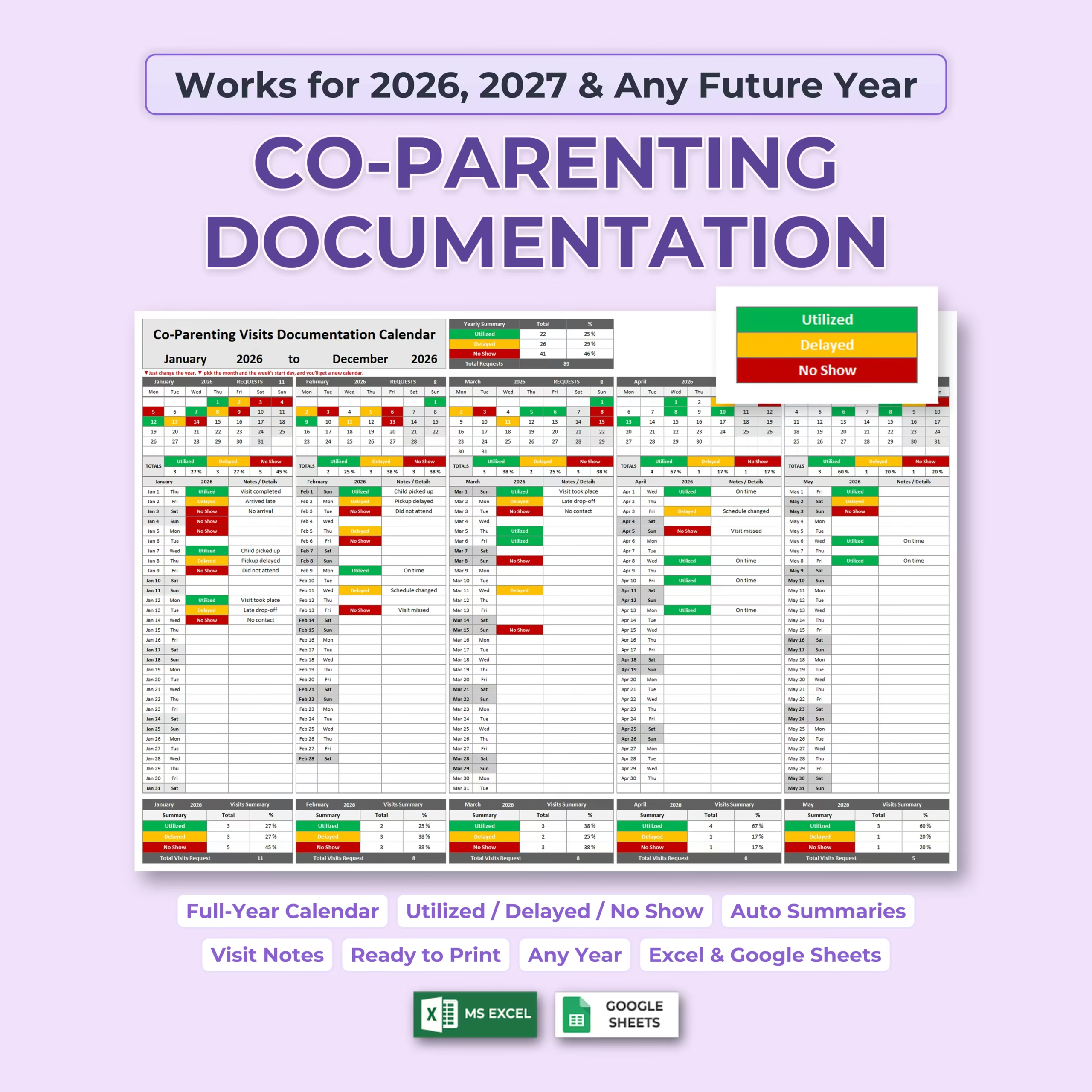
Track Utilized, Delayed, and No Show Visits
The planner includes color-coded status options so you can quickly record whether a co-parenting visit was Utilized, Delayed, or marked as a No Show. Each entry can also include notes or details, making it easier to keep everything documented in one place.
- Utilized: record completed visits or parenting time that took place
- Delayed: track visits that happened late or were changed
- No Show: document missed visits or situations where the visit did not happen
- Notes / Details: add context such as pickup delays, schedule changes, no contact, or visit outcomes
Full-Year Visitation Calendar
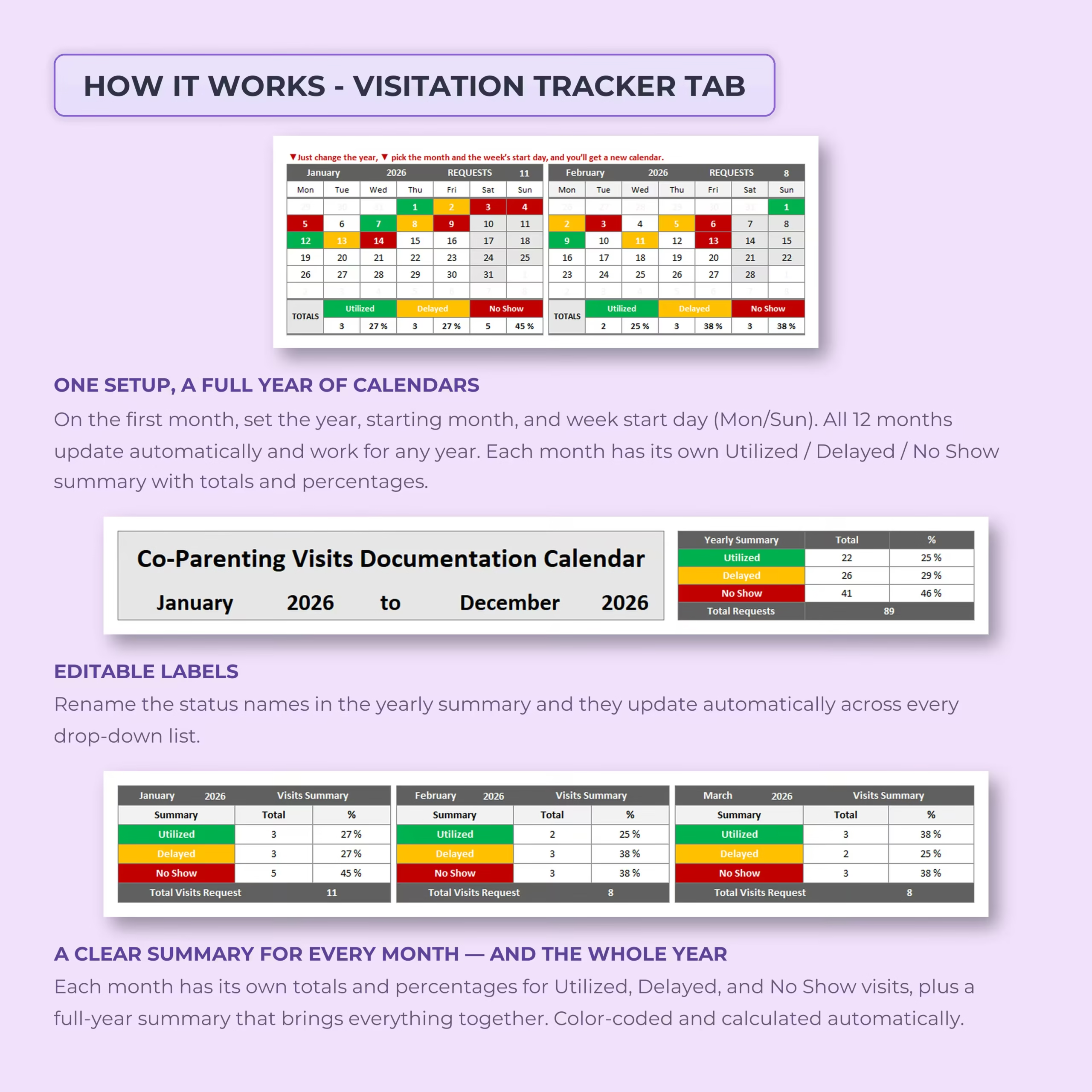
This co-parenting visitation tracker includes a full-year calendar view. Simply set the year, starting month, and preferred week start day, and the calendar updates automatically for the full year. It is built to work for 2026, 2027, and any future year, so you can reuse the template again and again.
Each month includes its own tracking section, allowing you to document visits day by day while keeping your records organized and easy to read.
Automatic Monthly and Yearly Summaries
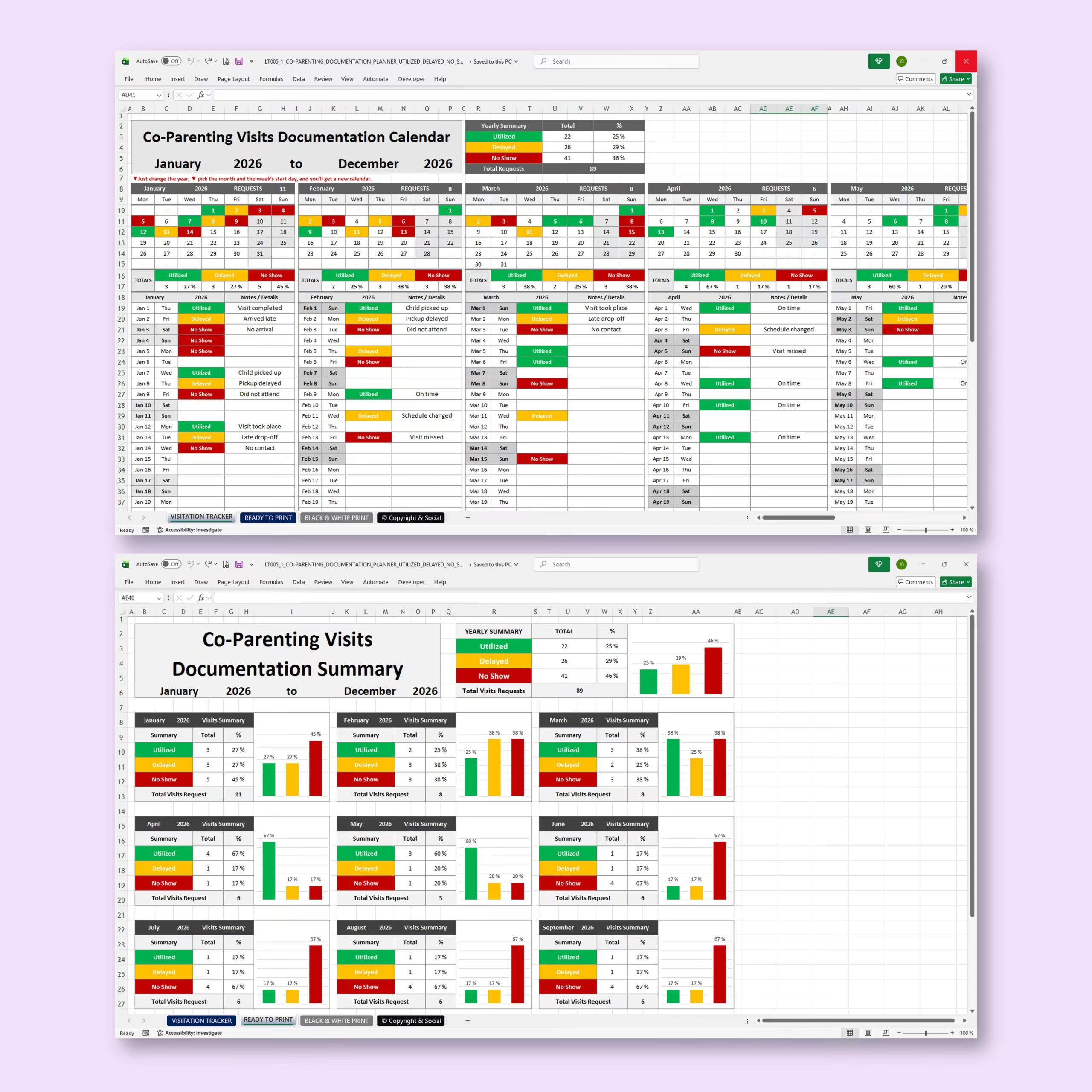
The template automatically calculates monthly totals and percentages for utilized, delayed, and no-show visits. It also includes a yearly summary so you can see the full picture at a glance.
This makes it easier to review patterns over time, compare months, and keep a consistent record of parenting time activity throughout the year.
Editable Status Labels
The status labels are editable, so you can customize the wording to fit your situation. When you update the labels in the summary area, the drop-down options update automatically across the tracker.
This gives you flexibility if you prefer different wording such as completed, late, missed, canceled, rescheduled, or any other custom labels that better match your documentation needs.
Printable Co-Parenting Documentation Pages
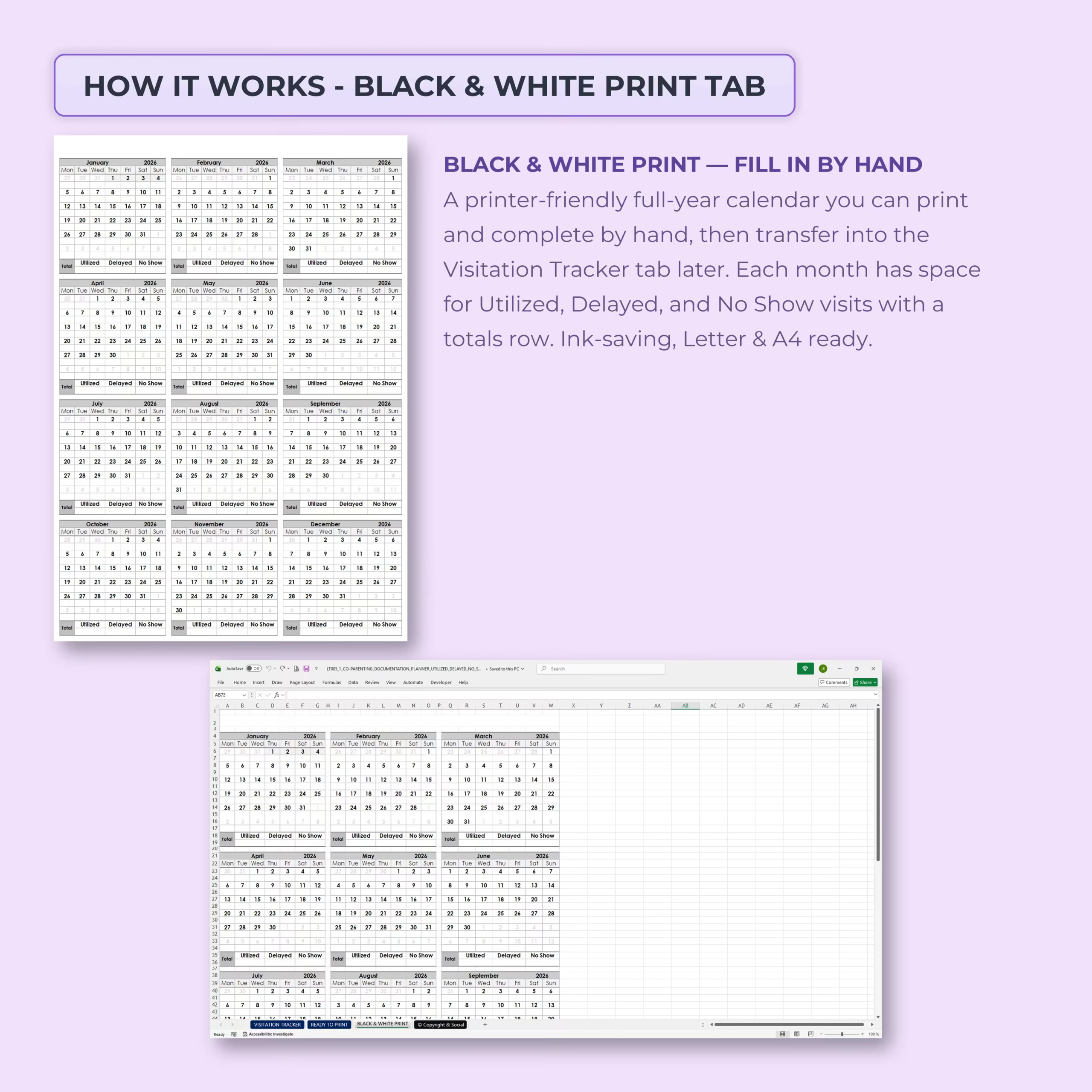
The planner includes both a color-coded tracker and a black & white print layout. The black and white version is designed to be printer-friendly, ink-saving, and easy to complete by hand if needed.
- Ready-to-print full-year calendar
- Black and white version for handwritten records
- Letter and A4 friendly layout
- Useful for offline documentation and physical folders
What’s Included
- Co-parenting visitation tracker tab
- Full-year calendar layout
- Monthly visit documentation sections
- Utilized, delayed, and no-show tracking
- Notes and details area for each visit
- Automatic monthly summaries
- Automatic yearly summary
- Printable color version
- Black and white print version
- Excel and Google Sheets versions
Perfect For
- Parents managing a shared custody or visitation schedule
- Co-parents who want organized parenting time records
- Anyone who needs to document completed, delayed, or missed visits
- Keeping a personal record of visitation history
- Creating a printable co-parenting documentation file
Use It Year After Year
This template is not limited to a single calendar year. You can update the year and continue using it for future years, making it a practical long-term co-parenting documentation tool.
Compatible With Excel and Google Sheets
The Co-Parenting Documentation Planner is designed for both Microsoft Excel and Google Sheets, so you can use it on your preferred platform. Open it, customize the year and labels, start tracking visits, and print when needed.
Please note: this template is a documentation and organization tool only. It does not provide legal advice.
Reviews
There are no reviews yet.